
If you have ever watched a football game in standard HD and then switched to a 4K broadcast, you know the difference is not subtle — it is transformational. The grass looks real enough to touch, jersey numbers are readable from any angle, and the stadium atmosphere jumps off the screen. That is what IPTV 4K live streaming delivers: live television at 3840 x 2160 resolution, four times the pixel count of 1080p, streamed directly to your screen over the internet without a satellite dish or cable box.
But not every service that advertises "4K" actually gives you true ultra high definition. Compression tricks, overloaded servers and cheap bandwidth can turn a 4K promise into a pixelated, buffering mess. This guide explains exactly how IPTV 4K live works, what hardware and internet speed you need, how to tell real 4K from marketing fluff, and which providers actually deliver the experience you are paying for.

What Exactly Is IPTV 4K Live?
IPTV 4K live is the combination of two technologies: IPTV (Internet Protocol Television) and 4K Ultra HD resolution. Traditional cable sends television signals through copper coaxial lines. Satellite bounces them from space. IPTV sends them as data packets over your broadband internet connection — the same way Netflix delivers a movie, except the content is live and happening right now.
The "4K" part means 3840 horizontal pixels by 2160 vertical pixels — roughly 8.3 million pixels total, compared to roughly 2 million in 1080p Full HD. In practical terms, a 4K stream lets you sit closer to a large screen without seeing individual pixels, preserves fine detail like facial expressions and jersey textures during sports, and supports High Dynamic Range (HDR) for richer colors and deeper contrast. A true IPTV 4K live service encodes these streams using HEVC (H.265) or AV1 codecs, which compress the massive 4K video file down to a stream that fits through a standard home internet connection without destroying quality.
Why IPTV 4K Live Is Replacing Cable and Satellite
Three forces are driving the shift. The first is cost. The average American household pays over $115 per month for cable or satellite TV, according to industry data. A premium IPTV 4K live subscription costs between $10 and $20 monthly, or under $6 on an annual plan. Over a year, that is a saving of more than $1,000 for the same channels — often with more content, not less.
The second is flexibility. Cable ties you to one television and one set-top box per room, with installation appointments and equipment rental fees. IPTV 4K live works on any compatible device: your Firestick, your Smart TV, your phone, your tablet, even your gaming console. One subscription often covers multiple simultaneous streams, so the kids can watch cartoons in the bedroom while you watch the game in 4K in the living room. For a full comparison of IPTV against cable on price and features, read our detailed IPTV vs Cable TV cost breakdown.
The third is picture quality itself. Cable operators compress their signals heavily to squeeze hundreds of channels into limited bandwidth, which degrades quality — especially during fast motion in sports. A well-built IPTV 4K live provider streams at a higher bitrate with modern codecs, delivering cleaner, sharper images with less artifacting. And unlike satellite, your 4K stream is never interrupted by rain, snow or cloud cover.
What You Need for True IPTV 4K Live Streaming
Getting IPTV 4K live right requires three things working together: fast internet, a capable device, and a provider with the server power to deliver stable 4K streams. Skip any one of them and the experience collapses.
Internet Speed: The Non-Negotiable Requirement
A single 4K live stream encoded in HEVC needs roughly 15–25 Mbps of consistent bandwidth. If your household has multiple viewers — one watching a 4K movie, another streaming sports in 4K, a third on a video call — you need to add those demands together. We recommend a minimum of 25 Mbps for one 4K stream and an additional 25 Mbps for each extra simultaneous 4K viewer. A 100 Mbps connection comfortably handles a busy household.
Just as important as speed is stability. Wi-Fi is convenient, but it introduces latency, packet loss and interference from neighbors' networks. For IPTV 4K live — especially during live sports where buffering is unforgivable — run an Ethernet cable from your router to your TV or streaming box. If wiring is impossible, use a powerline adapter or a Wi-Fi 6 mesh system placed close to the viewing area.
The Right Device for 4K Decoding
Not every streaming stick can handle 4K live streams smoothly. Your device needs a processor powerful enough to decode HEVC or AV1 video in real time, HDMI 2.0 or 2.1 output for 4K at 60 frames per second, and enough RAM to buffer the stream without stuttering. The best choices for IPTV 4K live in 2026 are:
- Amazon Fire TV Stick 4K Max — affordable, fast processor, excellent Wi-Fi 6, perfect for IPTV apps
- NVIDIA Shield TV Pro — the most powerful Android TV box, unbeatable for 4K HDR and AI upscaling
- Samsung and LG 4K Smart TVs — built-in apps work directly, no extra box needed
- Apple TV 4K — premium build quality, superb HDR handling, ideal for Apple ecosystem households
- Google Chromecast with Google TV (4K) — compact, smooth interface, great app support
If you are unsure which device fits your setup, our guide to the best IPTV setup for Firestick in the USA walks through the most popular option step by step, and our roundup of the best IPTV player apps and downloader codes shows exactly which apps to install for the smoothest 4K playback.
A Provider With Real 4K Infrastructure
This is where most services fail. Any provider can write "4K" on their homepage. Few actually own the server infrastructure to deliver it. True IPTV 4K live requires:
- Source feeds in native 4K — not upscaled 1080p masquerading as 4K
- High bitrate encoding — typically 15–40 Mbps per 4K stream to preserve detail
- HEVC/H.265 or AV1 codec support — older H.264 cannot deliver efficient 4K compression
- CDN nodes close to viewers — US-based nodes reduce latency for American households
- Anti-freeze and load balancing — so peak traffic during the Super Bowl does not crash the stream
IPTVUSAX was built around these requirements from day one. The service runs on a 10 Gbps backbone with dedicated US CDN nodes, uses HEVC encoding for all 4K channels, and maintains a 99.9% uptime commitment. When you are comparing IPTV providers, always test during a live event — not at 3 AM when servers are empty. If you want a structured framework for that comparison, our complete guide to IPTV providers in the US breaks down exactly what to look for.
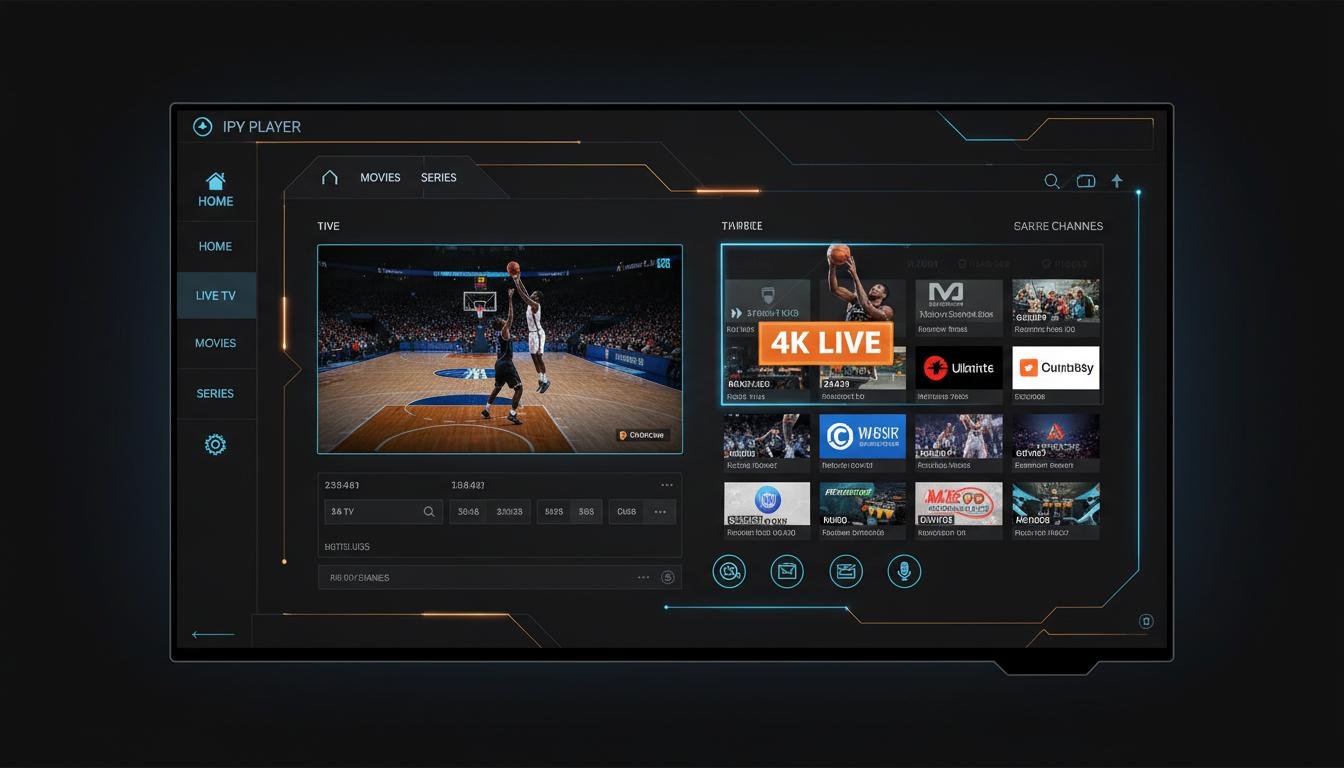
How to Tell Real 4K from Fake "4K"
The IPTV market is full of misleading claims. Here is how to spot the difference before you pay:
- Check the bitrate. Real 4K live streams run at 15–40 Mbps. If a provider's 4K channel streams at 4–8 Mbps, it is heavily compressed 1080p or worse.
- Look at fast motion. During sports, fake 4K shows blocky artifacts around players and blurry ball trails. True 4K preserves edges.
- Read the codec. H.264 "4K" is a red flag — it cannot compress 4K efficiently. HEVC/H.265 or AV1 is the standard.
- Test the trial during peak hours. A free trial at midnight proves nothing. Fire up a live sports event on a Sunday afternoon and watch for buffering.
- Verify HDR support. True 4K IPTV should support HDR10 or Dolby Vision on compatible channels, not just SDR.
IPTV 4K Live for Sports: The Ultimate Test
Nothing stresses an IPTV service like a live sports broadcast. Millions of viewers tune in at the exact same second, the camera moves constantly, and the detail matters — you want to see the spin on a football, the texture of a boxing glove, the expression on a player's face after a buzzer-beater. That is why sports are the ultimate test of any IPTV 4K live provider.
IPTVUSAX carries every major US sports network in 4K where available: ESPN, Fox Sports, NBC Sports, NBA TV, NFL Network, MLB Network, NHL Network and college sports channels. Pay-per-view events — championship fights, WrestleMania, major boxing cards — are included at no extra cost. The service also provides a full Electronic Program Guide (EPG) so you never miss kickoff, and catch-up TV for games you could not watch live. For sports fans specifically, we have a dedicated guide on how to watch NFL, NBA and PPV events without cable.
Local Channels in 4K: Are They Available?
Yes — but with caveats. National broadcasters like ABC, CBS, NBC and FOX now produce select events in 4K (Olympics, NFL playoffs, World Cup), and premium IPTV 4K live providers pass those feeds through unchanged. Local affiliates are increasingly available in Full HD (1080p) with a growing number of markets offering 4K for major events. IPTVUSAX carries local channels from every major US city alongside the national lineup, so you get your local news, weather and regional sports in the highest available quality. Browse the full channel lineup by category to see what is available in your area.
Setting Up IPTV 4K Live in 3 Steps
You do not need a technician. The entire process takes under ten minutes:
- Step 1 — Subscribe and receive credentials. Choose a plan, message the provider on WhatsApp, and get your M3U playlist and Xtream Codes login instantly. No credit check, no contract, no equipment rental.
- Step 2 — Install your player app. Download TiviMate, IPTV Smarters or any compatible player on your Firestick, Smart TV or Android box. Enter your credentials once.
- Step 3 — Select a 4K channel and play. Browse the live TV categories, pick a sports or movie channel marked 4K, and the stream starts immediately. Adjust your TV's picture mode to "Sports" or "Cinema" for the best result.
If anything goes wrong, 24/7 human support walks you through the setup live. Most users are watching in 4K within five minutes of receiving their login.
FAQ: IPTV 4K Live
What is IPTV 4K live streaming?
IPTV 4K live streaming is the delivery of live television channels over the internet at a resolution of 3840 x 2160 pixels — four times the detail of standard 1080p HD. A quality service uses HEVC/H.265 compression, adaptive bitrate streaming, and anti-freeze CDN nodes to deliver sports, news and movies in ultra high definition with minimal buffering.
What internet speed do I need for IPTV 4K live?
For smooth IPTV 4K live streaming you need a minimum of 25 Mbps per stream. If multiple household members watch simultaneously, add 25 Mbps for each additional 4K device. A wired Ethernet connection is strongly recommended over Wi-Fi for the most stable experience during live sports.
Which devices support IPTV 4K live?
Most modern devices support IPTV 4K live: Amazon Fire TV Stick 4K Max, Samsung and LG 4K Smart TVs, NVIDIA Shield, Apple TV 4K, Android TV boxes, Google Chromecast with Google TV, PlayStation 5 and Xbox Series X. The key requirement is HDMI 2.0 output and HEVC hardware decoding.
Is 4K IPTV better than cable or satellite?
Yes — 4K IPTV delivers the same or better picture quality than cable or satellite at a fraction of the price, with more channels, on-demand content, multi-device support and no equipment rental fees. Unlike satellite, IPTV 4K live is not affected by weather conditions.
Why does my 4K IPTV buffer during live sports?
Buffering during live events usually means your provider's servers are overloaded, your internet speed is below 25 Mbps, or you are on an unstable Wi-Fi connection. Top-tier IPTV 4K live providers use load-balanced CDN nodes and 10 Gbps backbones specifically to handle peak sports traffic without freezing.
Can I get local US channels in 4K through IPTV?
Yes. Premium IPTV 4K live providers carry local ABC, CBS, NBC and FOX affiliates from every major US market in full HD and 4K where broadcast. IPTVUSAX offers local channels from all major cities alongside 43,000+ national and international live channels.
Test 4K Quality Free for 24 Hours
The only way to know if an IPTV 4K live provider delivers on its promises is to see it yourself. Message IPTVUSAX on WhatsApp and get an instant 24-hour free trial with full access to every 4K channel — no credit card, no commitment. If you subscribe, every plan includes a 7-day money-back guarantee.
Final Thoughts
IPTV 4K live is not the future of television — it is the present. The technology is mature, the devices are affordable, and the internet speeds in most American homes are more than sufficient. What remains is choosing a provider that invests in real 4K infrastructure rather than marketing slogans. Look for HEVC encoding, high bitrates, US-based CDN nodes, anti-freeze technology, and a free trial that lets you test during peak hours. When you find a provider that checks every box, the difference between cable and IPTV 4K live is not just visible — it is unforgettable.
Ready to experience it? Start your free 24-hour trial on WhatsApp, or browse the 4K subscription plans and cut the cord today.