Apps & Codes Feb 24, 2026 5 min read

best iptv app for firestick 2026

Two IPTV player apps are dominating Android TV and Google TV in 2026: IBO XPlayer and CR Player. Here are the working Downloader codes and direct APK links for both.

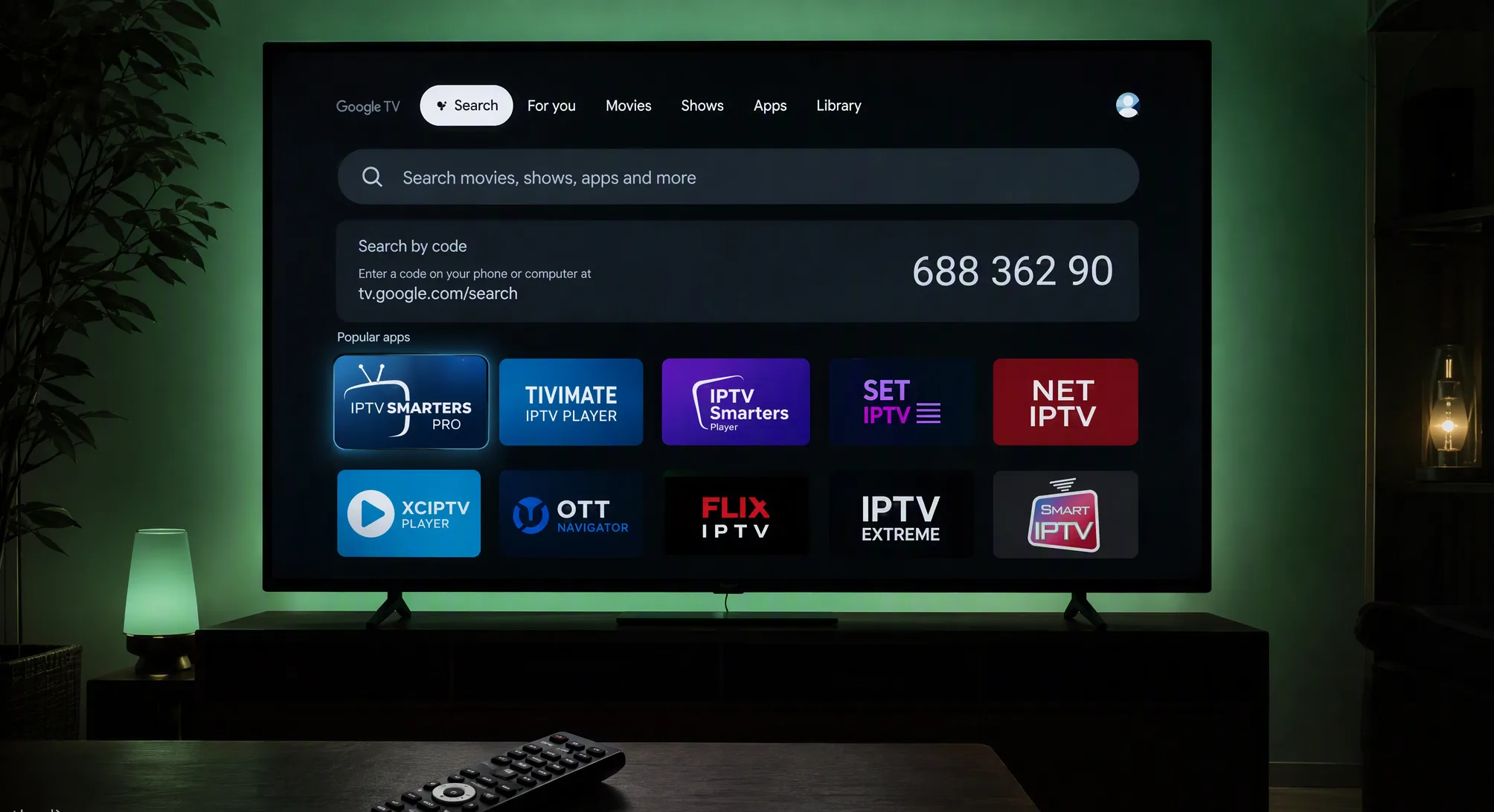
IPTV player apps on a Google TV screen with a Downloader code search box
/01

Why Your Player App Matters as Much as Your Subscription

A premium IPTV subscription is only half of the equation — the player app you run it on decides how fast channels load, how clean your TV guide looks, and whether 4K streams play smoothly or stutter. On Android TV, Google TV and Firestick, two apps have pulled ahead of the pack in 2026: IBO XPlayer and CR Player.

Both are lightweight, remote-friendly, and built to handle massive playlists with tens of thousands of channels without slowing down. Below you will find what makes each one special, plus the exact Downloader codes and direct APK links to install them in minutes.

Before you start: on your Firestick or Android TV, make sure “Install unknown apps” is enabled for the Downloader app under Settings → Security & Restrictions.
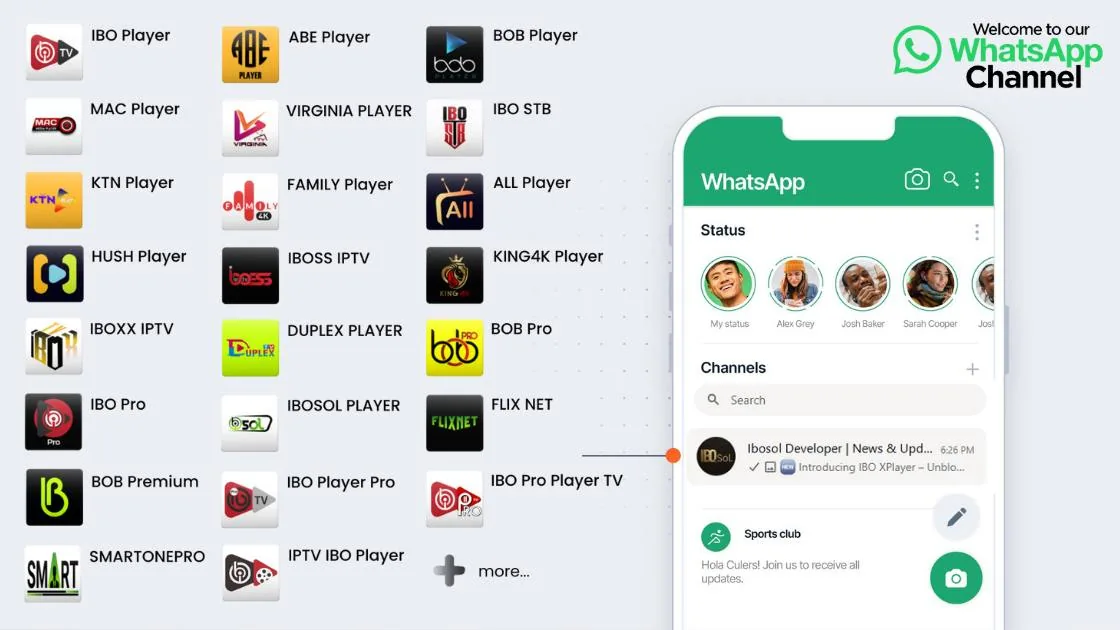
A grid of popular IPTV player apps for Firestick and Android TV including IBO Player, BOB Player, KING4K Player and IBOSS IPTV
/02

IBO XPlayer — The Polished All-Rounder

IBO XPlayer (v8828.0) comes from the well-known IBO player family, rebuilt and optimized specifically for Android-powered TV hardware. It is the app we recommend to most IPTVUSAX customers because of how little setup it needs.

  • TV-first interface — a clean, remote-friendly layout that separates Live TV, Movies and Series into simple rows.
  • Fast EPG loading — the electronic program guide populates quickly and stays smooth even with huge channel lists.
  • External player support — route playback through your favorite video engine for maximum hardware acceleration and 4K stability.
  • Downloader Code: 7947185
  • Direct APK file: ibodesk.com/iboxplayer.apk
/03

CR Player — Built for Speed and Huge Playlists

CR Player (v10028.0) is the power user’s choice. It is engineered for stability: instant channel zapping, rock-solid connections, and the ability to chew through enormous M3U playlists and Xtream Codes APIs without lag or crashes.

  • High-performance engine — handles 50,000+ channel playlists and VOD libraries without breaking a sweat.
  • Built-in parental controls — lock adult categories or entire sections behind a PIN.
  • Lightning-fast setup — enter your subscription details once and your live TV and on-demand content appear within seconds.
  • Downloader Code: 2995877
  • Direct APK file: ibodesk.com/cr7.apk
/04

How to Install Any IPTV App With Downloader — Full Step-by-Step Guide

The free Downloader app by AFTVnews is the fastest way to install any IPTV player on Firestick, Fire TV or Google TV — no computer or USB needed. The whole process takes about five minutes, and you only do steps 1 and 2 once. After that, installing any app is just typing a short code.

Step 1 — Allow Apps From Unknown Sources (one time only)

  • From the Fire TV home screen, open Settings (the gear icon on the far right).
  • Go to My Fire TV → Developer Options. If you don’t see Developer Options, open About, highlight your device name and press the select button 7 times to unlock it.
  • Turn on Apps from Unknown Sources — on newer devices it appears as Install Unknown Apps, where you allow it specifically for Downloader.

Step 2 — Install the Free Downloader App (one time only)

  • Back on the home screen, open the Search (magnifying glass) and type Downloader.
  • Select the orange Downloader app by AFTVnews and press Download / Get — it’s free on the Amazon Appstore.
  • Open Downloader, press Allow when it asks for file access, then OK to dismiss the update notes.

Step 3 — Enter a Code and Install Your Player

  • In Downloader, tap the URL field and type the code of the app you want — for example 7947185 for IBO XPlayer or 2995877 for CR Player — then press Go. The full codes list is in the next section.
  • Wait a few seconds while the app downloads, then choose Install when the installation screen appears.
  • When it finishes, press Done, then choose Delete to remove the installation file — this frees up storage and your app stays installed.
  • Find your new player under Your Apps & Games, open it, and sign in with the Xtream Codes or M3U details we send you after your IPTVUSAX subscription.

That’s it — the same three-step flow works for every code in this guide, and for any future app you want to try on your device.

/05

Downloader Codes for Firestick & Android TV — Full List

Every code below works in the free Downloader app: open Downloader, type the code, press Go, and the player installs in seconds. Bookmark this page — codes change and we keep this list updated.

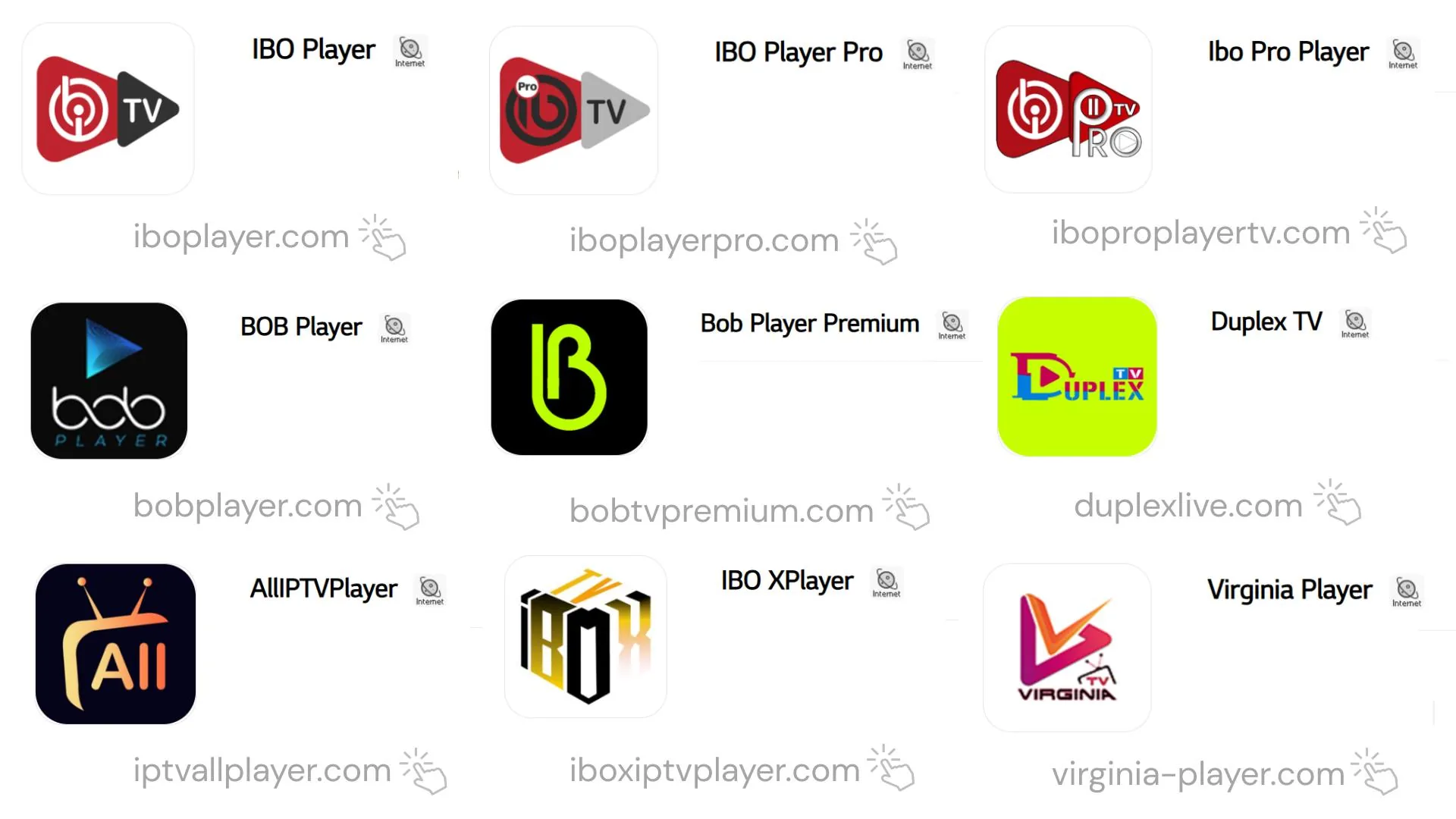
Official websites of popular IPTV player apps including iboplayer.com, iboplayerpro.com, bobplayer.com and iboxiptvplayer.com
Player AppDownloader CodeNotes
IBO Player (Default)1171959The classic, most widely used version
IBO Player Pro923441New release — upgraded interface
IBO Pro Player TV6402995New release — TV-optimized layout
IBO Pro474637Works with activation codes only
BOB Player815778Lightweight and fast on older devices
King4K Player8624144K-focused playback
IBOSS IPTV967528Simple, beginner-friendly interface
IBO XPlayer7947185Our recommended pick — full review above
CR Player2995877Fastest with huge playlists — full review above

All of these players work perfectly with your IPTVUSAX subscription — after installing, just sign in with your Xtream Codes or M3U details. If a code ever stops working, message us on WhatsApp and we will send you the latest working code.

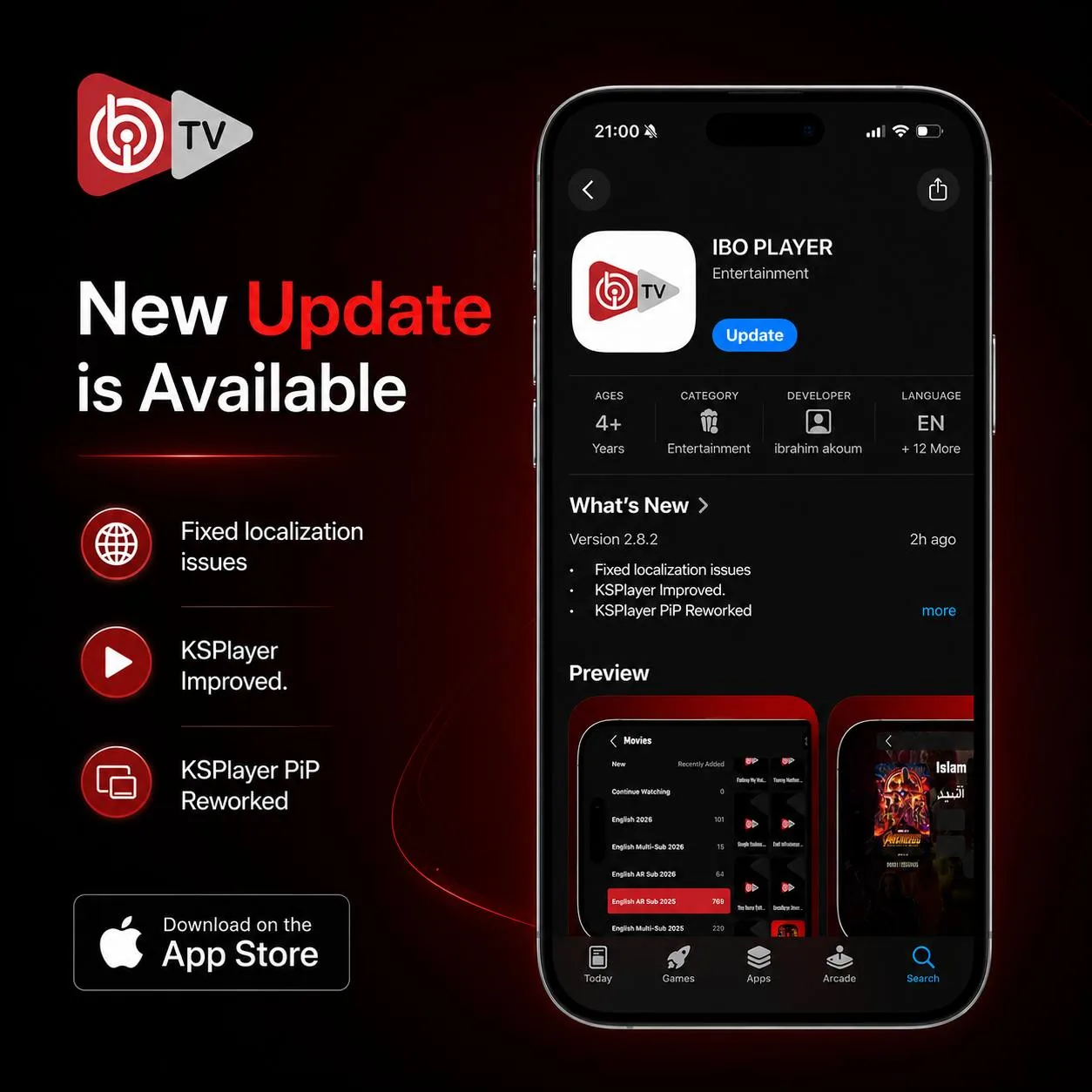
Keep your player updated: these apps push frequent updates that improve playback and fix bugs — the latest IBO Player update, for example, reworked its KSPlayer engine and picture-in-picture mode. When you see an update prompt inside your app, always accept it.

IBO Player app store page announcing a new update with KSPlayer improvements and PiP reworked
/06

IBO XPlayer vs CR Player — Side by Side

FeatureIBO XPlayerCR Player
PlatformAndroid / Google TVAndroid / Google TV
Versionv8828.0v10028.0
Downloader Code79471852995877
Direct APKibodesk.com/iboxplayer.apkibodesk.com/cr7.apk
Best ForSmooth EPG & easy navigationHuge playlists & fast zapping
/07

Pair Them With a Subscription That Can Keep Up

Honestly, you cannot go wrong with either app — install both with the codes above and keep the one that feels faster on your device. But remember: a great player deserves a great service. IPTVUSAX gives you +43,867 live channels, 320,000+ movies & series, 4K & UHD quality and anti-freeze US servers — a perfect match for both apps. Grab the 24-hour free trial, paste your login into IBO XPlayer or CR Player, and you will be watching in under five minutes. Want the best picture quality? See our complete IPTV 4K Live streaming guide — internet speed, devices, and how to spot fake 4K services.

Apps & Codes — FAQ

Common Questions

/01What is the Downloader code for IBO XPlayer?
The working Downloader code for IBO XPlayer (v8828.0) is 7947185. If you prefer a direct download, the APK is available at ibodesk.com/iboxplayer.apk.
/02What is the Downloader code for CR Player?
The working Downloader code for CR Player (v10028.0) is 2995877, and the direct APK file is hosted at ibodesk.com/cr7.apk.
/03How do I install these apps with the Downloader app?
Open Downloader on your Firestick or Google TV, enter 7947185 (IBO XPlayer) or 2995877 (CR Player) in the URL field, press Go, then install the APK when the download finishes. Log in with your IPTVUSAX details and start streaming.
/04Do IBO XPlayer and CR Player work on Firestick and Google TV?
Yes — both apps are fully optimized for Amazon Fire TV Stick, Android TV boxes and Google TV devices, with remote-friendly interfaces and 4K playback support.
/05What is the Downloader code for the classic IBO Player?
The classic IBO Player installs with code 1171959. The newer editions have their own codes: IBO Player Pro is 923441, IBO Pro Player TV is 6402995, and IBO Pro (activation codes only) is 474637.
/06A Downloader code is not working — what should I do?
First, double-check you typed the code exactly and that your internet connection is stable, then press Go again. App developers occasionally refresh their codes — if one stops working, message us on WhatsApp and we will send you the latest working code right away.
/07Is the Downloader app free and safe to use on Firestick?
Yes. Downloader by AFTVnews is completely free and available directly on the official Amazon Appstore — just search for the orange Downloader icon. It is the standard, trusted tool millions of Fire TV owners use to install apps.
/08Why should I delete the APK file after installing an app?
The APK is only the installer — once the app is installed, the file is no longer needed. Choosing Delete when Downloader asks frees up storage space on your Firestick, and the installed app stays on your device and works normally.

Ready to Start Watching?

+43,867 live channels, 320,000+ movies & series, 4K Ultra HD and instant activation — all with a 7-day money-back guarantee.